
Flag

We stand with Ukraine and our team members from Ukraine. Here are ways you can help

Get exclusive access to thought-provoking articles, bonus podcast content, and cutting-edge whitepapers. Become a member of the UX Magazine community today!

Home ›› Business Value and ROI ›› 6 Key Questions to Guide International UX Research ›› Want the Best User Experience? Make it Harder to Add Features

Want the Best User Experience? Make it Harder to Add Features

by Jonathan Courtney
2 min read
Share this post on
Tweet
Share
Post
Share
Email
Print

Save

Adding features is easy when you design with scalability in mind. But is that really a good thing?

The hamburger menu pattern has gotten a lot of bad press in the design community over the past few months. Most of the negative attention it’s garnering relates to usability issues like lower discoverability, information not being glancable, and that it clashes with other navigation patterns. Worst of all, it allows for complacence, leading to a sloppy information architecture.

For me though, it brings to light a different issue entirely: it makes scaling in apps and adding features too easy. Need a to add a new navigation six months down the line? Easy, stick it in the hamburger menu. It acts as an easy way to scale an app without compromising the overall look and feel.

Jawbone menu

Hamburger menu on the Jawbone app

Building software with scalability in mind seems like a logical choice for most companies. I would argue however, that software should be built for its current purpose, without scalability in mind. It seems counterintuitive, but it’s the right thing to do. It means that adding features down the line will need to be a careful process of consideration rather than just something that’s tacked on.

We’re at a time when apps and software are becoming more and more focused. Successful companies that previously took the kitchen sink approach have done a u-turn and are now decoupling features to create entirely separate experiences. Foursquare has separated its “checking in” function to Swarm. Facebook created Messages (and many other apps), Path recently released Talk.

Maybe that feature you want to add six months down the line won’t fit into your focused, not-easily-scalable design. But more importantly—maybe it shouldn’t. Design for what you have now, and make it the best user experience possible.

Design for what you have now, and make it the best user experience possible

Further reading: Why and How to Avoid Hamburger Menus.


Illustration of overloaded motorcycle courtesy of Shutterstock.

post authorJonathan Courtney

Jonathan Courtney

Jonathan Courtney is a UX designer and Product Strategist. He runs the cheeky UX design blog UX Messiah. Originally from Ireland, Jonathan moved to Berlin and founded the UX Design agency AJ&Smart in 2011. 3 years later, AJ&Smart now works with everyone from the Fortune 500 to the smallest startups, helping them create great products and to innovate. Jonathan also has a creepy, unhealthy obsession with Pierce Brosnan which requires no explanation. Follow him on twitter: @Jicecream.

Tweet
Share
Post
Share
Email
Print

Related Articles

AI can create wireframes, synthesize research, and draft copy fast. What it can’t do: understand your users, carry context, or be accountable when something goes wrong. That’s still you.

Article by Tushar Deshmukh
AI Is Your New Intern, Not Your Replacement
  • AI is not replacing UX pros; it’s automating repetitive tasks and augmenting human capabilities.
  • Think of AI as an intern: quick, smart, but dependent on human direction, context, and judgment.
  • Human skills like empathy, research, systems thinking, and ethical decision-making are more important than ever.
  • The future belongs to designers who incorporate AI to accelerate execution and devote more time to strategic, human-centered work.
Share:AI Is Your New Intern, Not Your Replacement
20 min read

Another lesson from studying UX with Laura Klein.

Article by Paivi Salminen
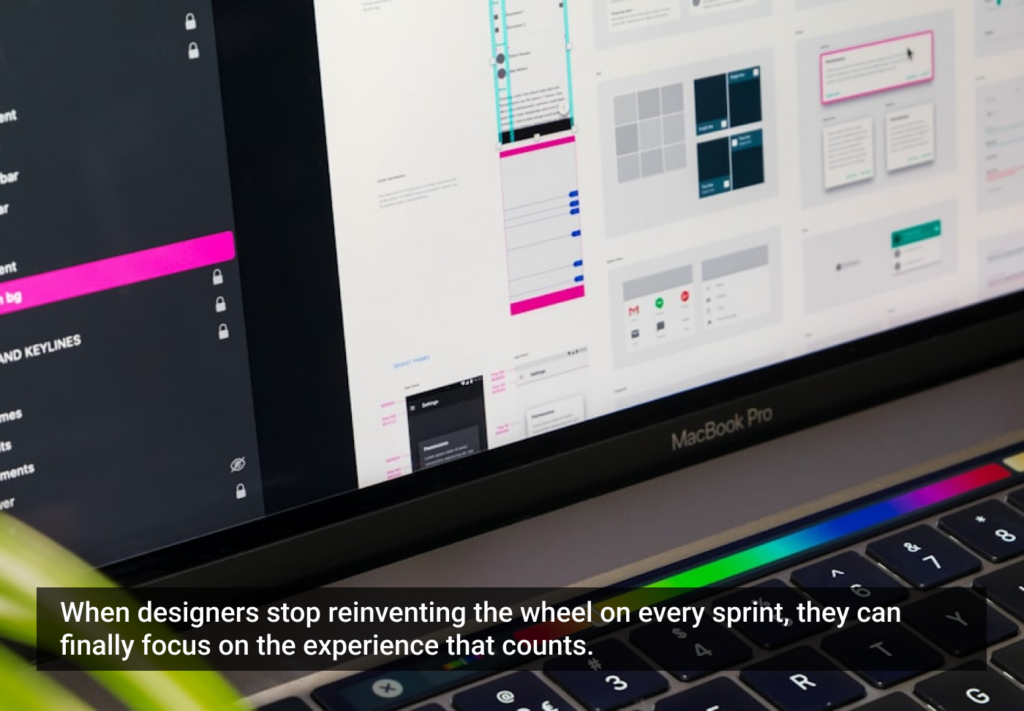
The Agile Trap Designers Fall into: Feeding the Beast
  • Agile teams are fast, but designers get stuck in an infinite loop of visual work: redesigning the same components over and over instead of solving real UX problems.
  • Design systems break that cycle, defining the building blocks once, freeing designers to focus on how the product works, not how it looks.
  • When the basics are in place, teams can start working together sooner, prototype faster, and release incremental features without the interface falling apart.
Share:The Agile Trap Designers Fall into: Feeding the Beast
4 min read

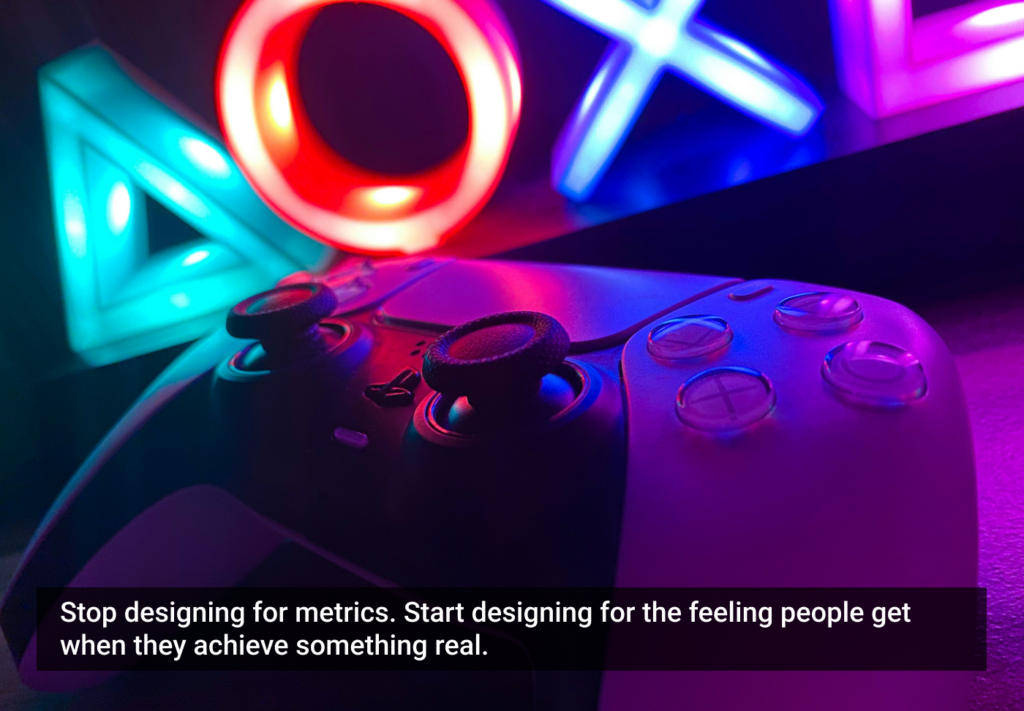
Real engagement is about designing experiences that people want to have. Here are some things that games do well that most apps don’t.

Article by Montgomery Singman
Gamification 2.0. Beyond Points and Badges: Designing for Players, Not Metrics. Conclusion
  • Most apps use gamification as a manipulation layer to drive metrics, but people engage with things that are truly worthy of their time, not points or streak guilt.
  • Apps that people stick with do this by designing for intrinsic motivation, making the experience itself rewarding.
  • The true measure of success is whether users feel more capable, accomplished, and enriched for having used your app.
Share:Gamification 2.0. Beyond Points and Badges: Designing for Players, Not Metrics. Conclusion
8 min read

Join the UX Magazine community!

Stay informed with exclusive content on the intersection of UX, AI agents, and agentic automation—essential reading for future-focused professionals.

Hello!

You're officially a member of the UX Magazine Community.
We're excited to have you with us!

Thank you!

To begin viewing member content, please verify your email.

Get Paid to Test AI Products

Earn an average of $100 per test by reviewing AI-first product experiences and sharing your feedback.

    Tell us about you. Enroll in the course.

      This website uses cookies to ensure you get the best experience on our website. Check our privacy policy and