Save
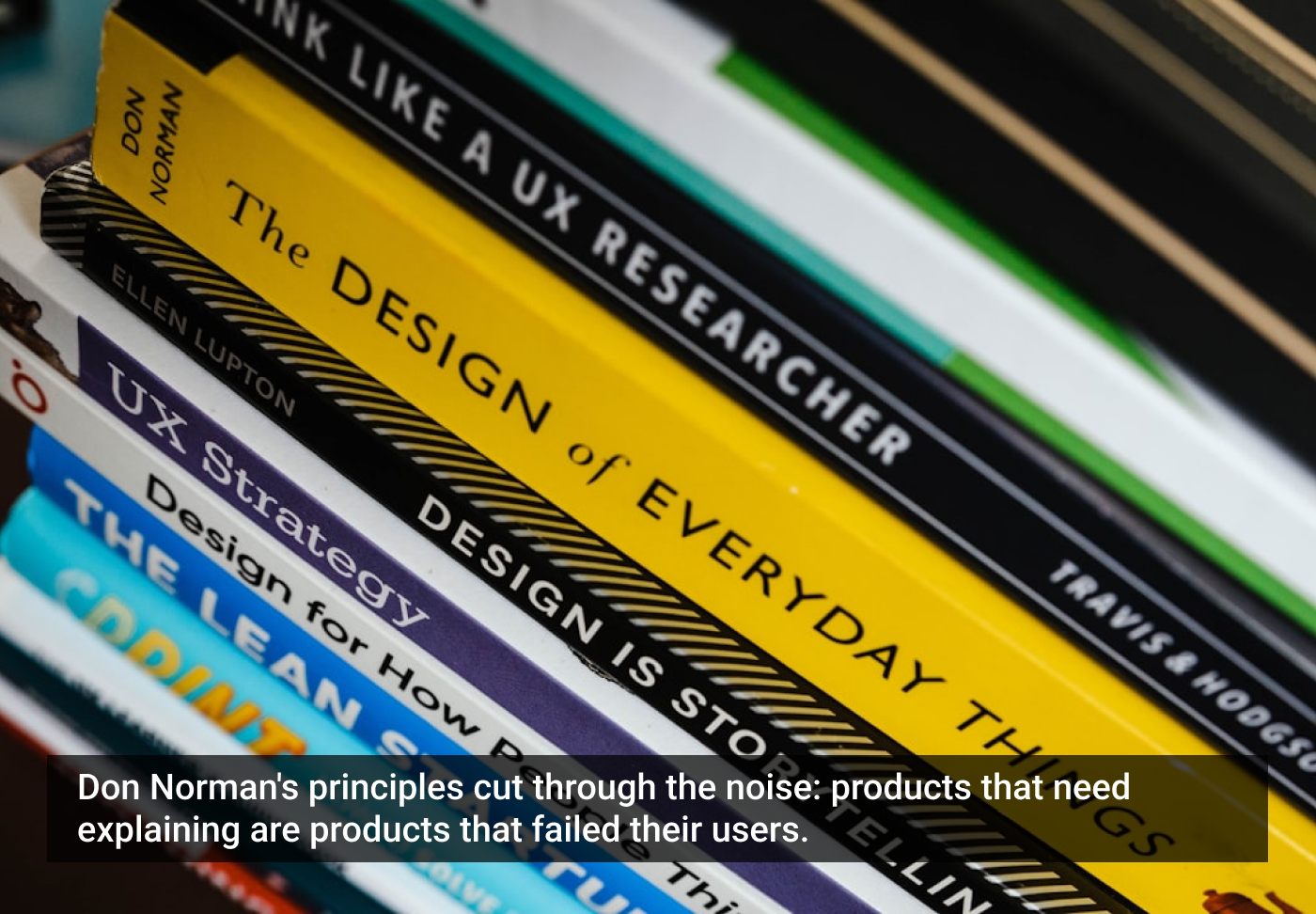
If you have ever struggled with a new coffee maker or tried to figure out which button opens the metro door, you have experienced the world of interaction design.
One of the most renowned thinkers in this field is Don Norman, who explains how products should be designed to make them easily understandable. When he says, “We need to figure out how to work a product,” he means something straightforward: → A good product should be easy to understand without a manual.
Norman calls this discoverability, and he says good discoverability comes from six key ideas.
1. Affordances: What can I do with it?
An affordance means that the object tells you what actions are possible just by looking at it (‘to afford’ = ‘to offer’ OR ‘to make possible’). For example:
- A handle suggests pulling.
- A button suggests pressing.
- A chair suggests sitting.
A classic example is the yellow pedestrian crossing button in the city. You see a big button, so you immediately think, “I should press this.” If something is designed well, you don’t need instructions to know how to use it.
2. Signifiers: Clues that tell you what to do
If affordances show what is possible, signifiers (signs) point out how and where to act. For example:
- A label that says “PUSH.”
- A blinking light that draws your attention.
- An arrow pointing to where you tap your travel card.
Think about a ticket machine at a train or metro station. The large button saying “Buy ticket” is a signifier. It tells you where to begin.
3. Constraints: Preventing mistakes
Constraints stop you from doing something the wrong way. For example:
- A USB stick only fits one direction.
- A puzzle piece only fits in the correct hole.
- A key only fits one way into the lock.
On buses, the card reader is shaped in a way that you can only tap your card in one place, making it hard to do it incorrectly. The design keeps you on the right track without needing warnings.
4. Mappings: Controls that make sense
A mapping (map) means that the layout of controls matches the result your action will cause. For example:
- Four stove knobs should match the position of the four burners.
- Buttons next to a door should control that specific door.
- The car window goes down when you press the button and lifts when you “lift” the button.
In metros and trains, the door button lights up next to the door you can open. Your brain does not need to guess. The control and result line up in a logical way.
5. Feedback: Did it work?
Feedback tells you what happened after your action. For example:
- A “beep” when your phone takes a picture.
- A message saying “Payment accepted.”
- A microwave “ding” when food is ready.
In metros and trains, after you press the button next to the door, and the door opens, you know that the action was successful. Without feedback, users are left uncertain and frustrated: “Was the payment accepted?”
6. Conceptual model: The picture in your head
A conceptual model is the mental image you form about how something works. People learn conceptual models from each other, from instructions, or just by using the product. Because the device often gives little guidance, we usually build our understanding through experience. A good design helps you build a simple, correct understanding without reading a thick manual.
You don’t need to understand computer science to know that clicking a folder “opens” it, pressing a green button “starts” something, or “will eventually give a green light.”
If the design supports the mental model, the product feels understandable. If it doesn’t, well then it feels like you’re standing in front of a parking machine in 1998, wondering what to press first.
Why this matters
When products are designed using these principles, people feel confident, make fewer mistakes, and no one needs a YouTube tutorial just to make a cup of coffee. In a world where technology is everywhere, from electric scooters to digital health services, applying Norman’s ideas can make everyday life smoother for everyone.
Don Norman’s principles are not about fancy theory. They are about something simple and human: we should be able to understand everyday things without feeling stupid.
The article originally appeared on Substack.
Featured image courtesy: Karl Solano.



Paivi Salminen
Päivi Salminen, MSc, is a digital health innovator turned researcher with over a decade of experience driving growth and innovation across start-ups and international R&D projects. After years in the industry, she has recently transitioned into academia to explore how user experience and design thinking can create more equitable and impactful healthcare solutions. Her work bridges business strategy, technology, and empathy, aiming to turn patient and clinician insights into sustainable innovations that truly make a difference.
- The article breaks down Don Norman‘s six design principles that help users understand products instantly without needing instructions or feeling confused.
- The piece shows how good design using Norman‘s principles makes everyday technology easier to use by matching how people naturally think and act.