Save
As UX and product leads, we sit right at the intersection of user needs, business goals, and technical constraints. This is exactly where most AI products fail.
I’ve seen this pattern repeatedly while leading UX for an AI learning platform: product teams have lots of ideas. AI teams have data. The business wants to ship fast.
And users… well, they’re left with a problem none of us are actually solving — because we all got a little too excited about what the AI could do instead of what users needed it to do.
The result? Forbes estimates that 85% of AI projects fail to deliver real business outcomes. And the common thread in those failures is simple: teams answered the wrong question. Not a bad question. Just… the wrong one.
Every AI project begins with a question. Make sure it’s your user’s question — not your data scientist’s.
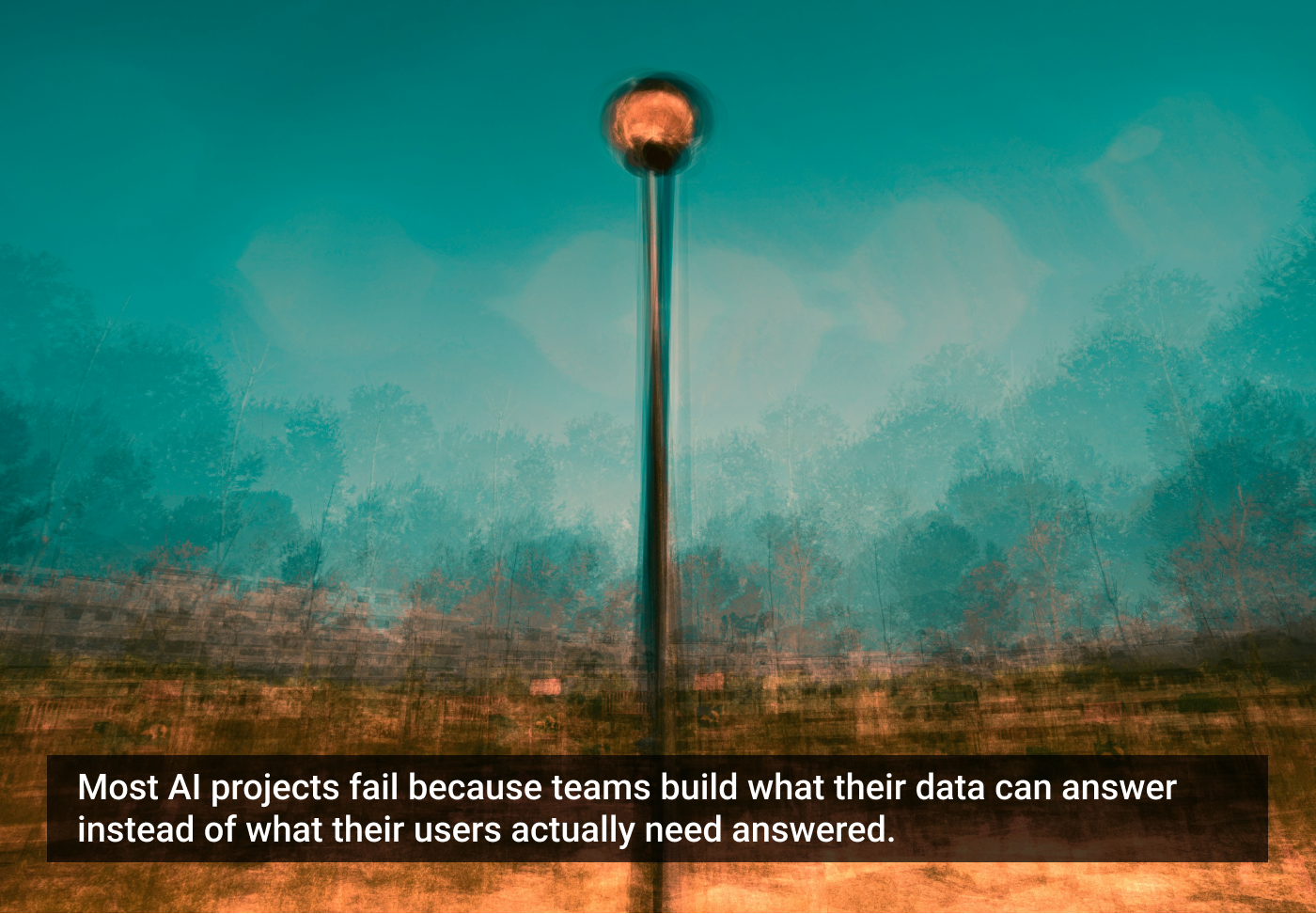
The Streetlamp Trap
In his book, UX for AI: A Framework for Designing AI-Driven Products, Greg Nudelman describes a pattern called The Streetlight Trap:
A man searches for his keys under a streetlight.
“Where did you lose them?”
“Over there.”
“Then why are you looking here?”
“Because here, I can see.”
Most AI teams do the same — they build where the data is bright, not where the problem actually is.
The AI-Question Framework
The AI-Question Framework is a tool for driving AI value through picking the right question.
It consists of just three questions:
- Is the prediction tied to a metric that matters?
- Do you have historical data examples?
- Are false positives and false negatives tolerable?
Here’s what each one looks like in practice.
1. Is this the metric that matters?
Consider this example from an AI learning platform:
“How long will it take this student to complete the course?” Vs. “How likely is this student to quit before completing the course?”
Both use the same data — course progression logs – but they predict slightly different things.
The first just predicts a timeline. Nice to know, maybe it creates a pretty graph that might motivate some portion of the students.
However, the second predicts a probability of a bad outcome, something that directly impacts student success and, therefore, key business metrics. It also gives you something you can act on: intervene, coach, nudge the student, and save them before they quit.
That tiny shift — asking a more interesting business-critical question — is the difference between a clever display and an AI product that really moves the needle for the business.
If your model isn’t connected to a metric leadership cares about, it’s analytics theater: all spotlight, no show.
And those metrics aren’t mysterious: Retention, efficiency, revenue — pick one.
If each learner represents $1,000 in revenue and a 10% dropout, even a 1% improvement saves $10 per cohort. Multiply that by thousands of learners, and the ROI becomes impossible to ignore.
A lot of prediction models sound smart (“When will this happen?”) but don’t actually drive any business decisions.
No decision → no impact → no value.
Unfortunately, most AI teams start with the capabilities, not the question the model will be answering. They fall straight into a streetlight trap.
Avoid it by framing the right question before your team builds anything.
2. Do you have historical data examples?
The right question isn’t just one that addresses a real business outcome — it’s one you actually have the data to answer. Too many AI ideas fail because teams frame questions that sound valuable but have no historical examples behind them.
Here’s what this looks like in EdTech.
You want to improve learner engagement. A data scientist suggests:
“When should this student study next?”
Sounds proactive… but it’s a classic streetlamp question. It assumes data you don’t have — their schedule, motivation, attention span, life context.
And even if you nailed it?
It ends in a push notification that most students swipe away. High modeling effort, low business impact.
Now try this question instead:
“Which learners are at risk of dropping out this week?”
Why this works:
- You already have the signals: login frequency, completion rate, and assignment delays.
- The actions are obvious: coach them, nudge them, offer support.
- The ROI is real: a 1% improvement in retention scales across thousands of learners.
- The UX is simple: a background model that quietly surfaces risk cases.
This one shift turns AI from a “maybe feature” into a retention engine — and forces your team to stop asking, “What can our AI do?” and start asking “Which user decision are we trying to support?”
3. Are false positives and false negatives tolerable?
Many models get things wrong: The question isn’t whether AI will make mistakes or not. The real question is:
“Can your business afford the mistakes?”
Take a dropout-prediction model:
- False Positives: Flagging students who won’t drop out wastes coaching resources and overwhelms your support team.
- False Negatives: Missing students who are at risk directly hurt retention and revenue.
Different mistakes have different costs.
That cost determines whether the model is worth building, how accurate it needs to be, and how much human review you need in the workflow.
Some use cases tolerate errors: If your AI recommended an extra practice session that a student didn’t need, no harm done.
Others don’t: Assume an important customer is safe when they’re actually planning to leave, and you lose the chance to intervene — along with meaningful revenue.
This is the part most teams skip. They look at technical questions like:
- What are AI’s precision, recall, and accuracy?
Instead of metrics that actually matter to your business, such as:
- What does each kind of error cost us?
- Who pays the price?
- Can we absorb it operationally?
Once you understand your error tolerance, you can decide:
- Whether the model is worth building.
- How accurate does it need to be?
- How much human review to layer in?
- …And how to design the UX around uncertainty.
To make sure you systematically ask the right question, use the AI-Question Framework.
A quick diagnostic
To use the AI-Question Framework to drive AI value, ask these three questions:
- Is the prediction tied to a metric that matters?
- Do you have historical data examples?
- Are false positives and false negatives tolerable?
If you get a “no” to any of these three questions, congratulations — you’ve found your streetlamp.
Getting your team to think AI-question-first
Choosing the right question is still a human job. AI can help, but teams must learn to recognize when they’re optimizing for what’s easy instead of what’s valuable.
A few easy ways to make the mindset stick:
- Start sprint planning with “What decision are we enabling?”
- Kill any AI idea that can’t name its target metric in 10 seconds
- Run a quick workshop: reframe three existing projects using the three questions from the AI-Question Framework in this article
- Ask your team regularly: “What’s the streetlamp version of this?”
Before your next AI project kicks off, ask:
“What decision will this answer empower?”
If you can’t name a clear decision-maker, a clear action, and a clear metric — you’re not ready to build.
Stop optimizing the streetlamp. Find the keys.
The article originally appeared on UX for AI.
Featured image courtesy: Jr Korpa.



Núria Badia Comas
Núria Badia Comas is a UX Lead and AI product design strategist with over 20 years of experience designing and scaling complex digital products across service design, learning platforms, and AI-driven systems. She currently leads UX for AI-powered conversational learning platforms, defining strategy, principles, and KPIs that drive adoption, usability, and learning outcomes at scale. Alongside her industry work, she teaches Human–Computer Interaction at Universitat Oberta de Catalunya, writes about AI product design and decision-making frameworks, leads a UX book club, and mentors designers.
- The article reveals that most AI projects fail because teams focus on what’s possible instead of what users actually need.
- It introduces the AI-Question Framework, asking three key questions: Does it matter? Do you have the data? Can you handle the mistakes?
- The piece concludes that successful AI products start with the right question, not with what the AI can do.