Save
User Experience (UX) design has always been about one thing: making digital products easy, enjoyable, and valuable for users. But in 2025, that mission is being supercharged by Artificial Intelligence (AI).
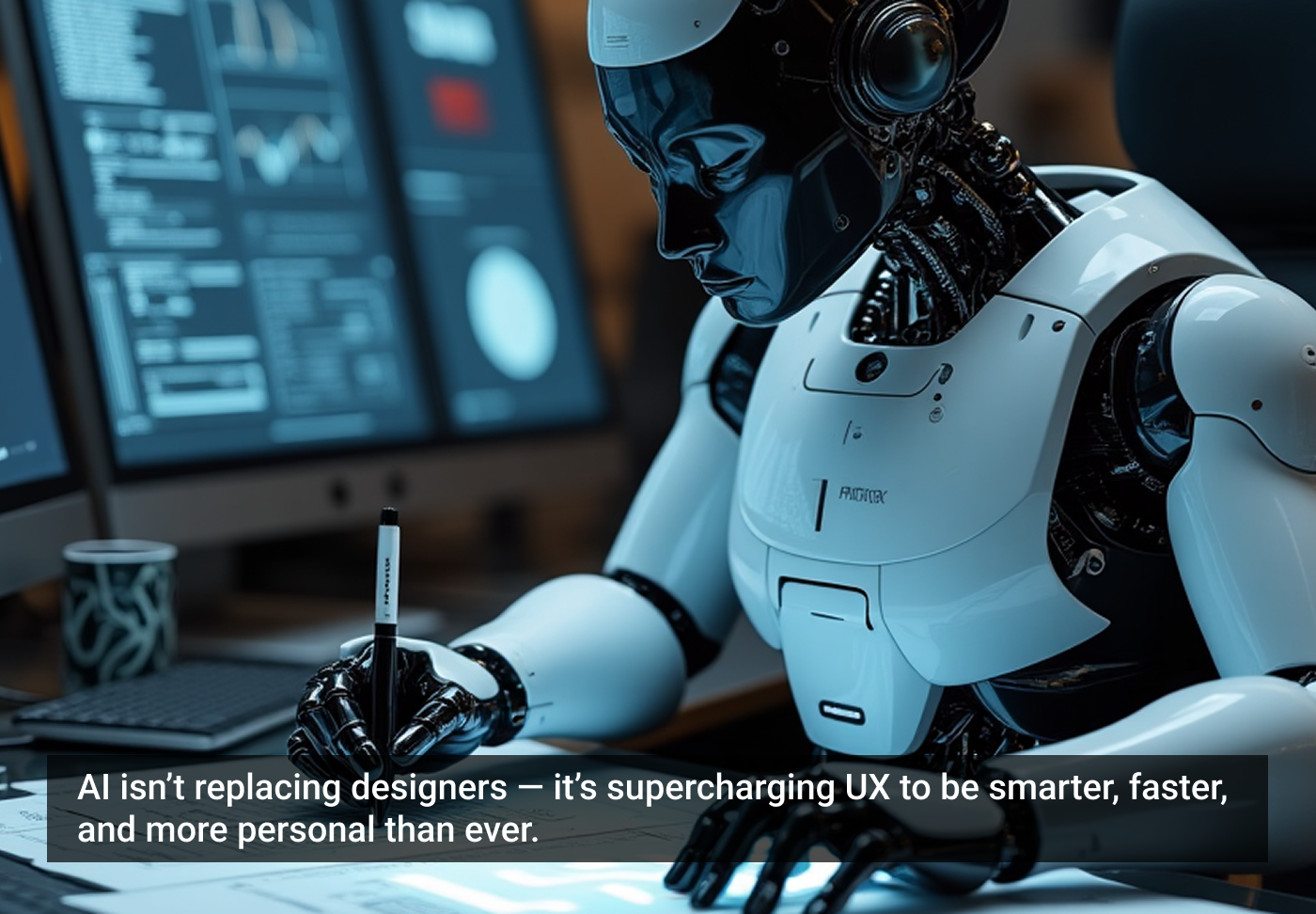
AI isn’t here to replace designers — it’s here to make them smarter, faster, and more effective. Let’s look at how AI is reshaping the UX industry and helping designers achieve their goals.
1. Personalization at scale
One of the biggest challenges in UX is creating experiences that feel personal for every user. Traditionally, designers relied on user personas and assumptions. AI changes the game by analyzing real user data — clicks, searches, behaviors — and then tailoring the experience in real time.
- Example: Netflix recommends shows you actually want to watch.
- Example: e-commerce sites suggest products based on your browsing history.
For designers, this means they can design frameworks, while AI fine-tunes the details for each individual.
2. Smarter user research
User research is the backbone of UX, but it’s often time-consuming and resource-heavy. AI tools can now analyze thousands of user interactions, highlight patterns, and even predict what users are likely to do next.
- AI-driven heatmaps show where users click most.
- Predictive analytics highlight friction points before they become real problems.
This helps designers make data-driven decisions instead of guessing.
3. Rapid prototyping and testing
Designers often spend weeks creating and testing prototypes. AI-powered tools can generate design variations instantly and test them with simulated user interactions.
- Example: AI can suggest multiple button placements and predict which will perform better.
- Example: automated A/B testing powered by AI reduces trial-and-error cycles.
This accelerates the design process and allows teams to ship better products faster.
4. Accessibility and inclusivity
AI is helping designers build experiences that work for all users, regardless of ability.
- Voice recognition makes apps accessible to people with limited mobility.
- Image recognition helps screen readers describe visuals for visually impaired users.
- Language translation powered by AI makes global products usable by diverse audiences.
By integrating these features, designers can achieve the goal of universal usability.
5. Reducing repetitive work
Every designer knows the frustration of doing repetitive tasks like resizing assets, formatting screens, or cleaning data. AI automates these low-value tasks, freeing designers to focus on strategy, creativity, and solving real user problems.
- Tools like Figma with AI plugins can auto-generate layouts.
- AI copywriters suggest microcopy (like button labels or error messages).
This means more time spent on design thinking, less on tedious work.
The future of UX with AI
AI isn’t about replacing creativity — it’s about amplifying it.
- Designers still define the vision.
- AI helps execute it with speed, precision, and intelligence.
For businesses, this means better user experiences, stronger customer loyalty, and faster growth. For designers, it means reaching goals faster, validating ideas sooner, and creating experiences that truly matter.
Final thoughts
In 2025, business growth = digital growth = AI-powered UX. If you’re a designer, embrace AI as your partner. If you’re a business owner, ensure your product or service leverages AI-driven experiences.
Because the future of UX is already here — and it’s intelligent.
The article originally appeared on LinkedIn.
Featured image courtesy: Nayyer Abbas.



Nayyer Abbas
Nayyer Abbas is a seasoned UI/UX designer with over six years of experience creating user-centered digital products. He specializes in transforming complex ideas into simple, intuitive, and meaningful experiences. Alongside his professional design practice, Nayyer is actively exploring how emerging technologies, such as AI, are shaping the future of design and user experience. He shares his insights through articles and thought pieces aimed at helping designers, businesses, and students better understand the evolving UX landscape.
- The article shows how AI enhances designers rather than replacing them.
- It highlights AI’s role in personalization, research, prototyping, and accessibility.
- The piece concludes that AI amplifies human creativity and drives better user experiences and business growth.