Flag

We stand with Ukraine and our team members from Ukraine. Here are ways you can help

Get exclusive access to thought-provoking articles, bonus podcast content, and cutting-edge whitepapers. Become a member of the UX Magazine community today!

Home ›› Design Systems

Design Systems

Read these first

Learn how one product designer built a faster, sharper workflow where AI does the scaffolding, judgment owns the outcome, and nothing ships without a traceable why.

Article by Pavel Bukengolts
The Spiral Climbs: Ideas Are Expensive, Systems Are Cheap
  • The piece explores that design is no longer about designing screens but owning systems, bets, and outcomes. But the core judgment, empathy, and research are irreplaceable. I chain Miro, Figma, VS Code, GitHub, and Jira into one traceable loop from idea to learning. AI takes on the exploration and scaffolding. People own architecture, security, and accountability. A 48-hour operating cadence of small, measurable bets, linked artifacts, and documented decisions keeps speed honest.
Share:The Spiral Climbs: Ideas Are Expensive, Systems Are Cheap
6 min read

Learn why the design-to-development pipeline is the launchpad your team inherited but never questioned.

Article by Erika Flowers
Zero Stage to Orbit
  • The article argues that the entire design-to-development pipeline is a multi-stage rocket — a system built around workarounds, not solutions.
  • It makes the case that AI agents don’t just improve the handoff problem; they eliminate the need for handoffs.
  • The piece challenges readers to ask not how to optimize their process, but why they’re still using it.
Share:Zero Stage to Orbit
14 min read

Learn how to build systems where design explicitly models development, handoff is automatic, and AI can extend your work reliably.

Article by Jim Gulsen
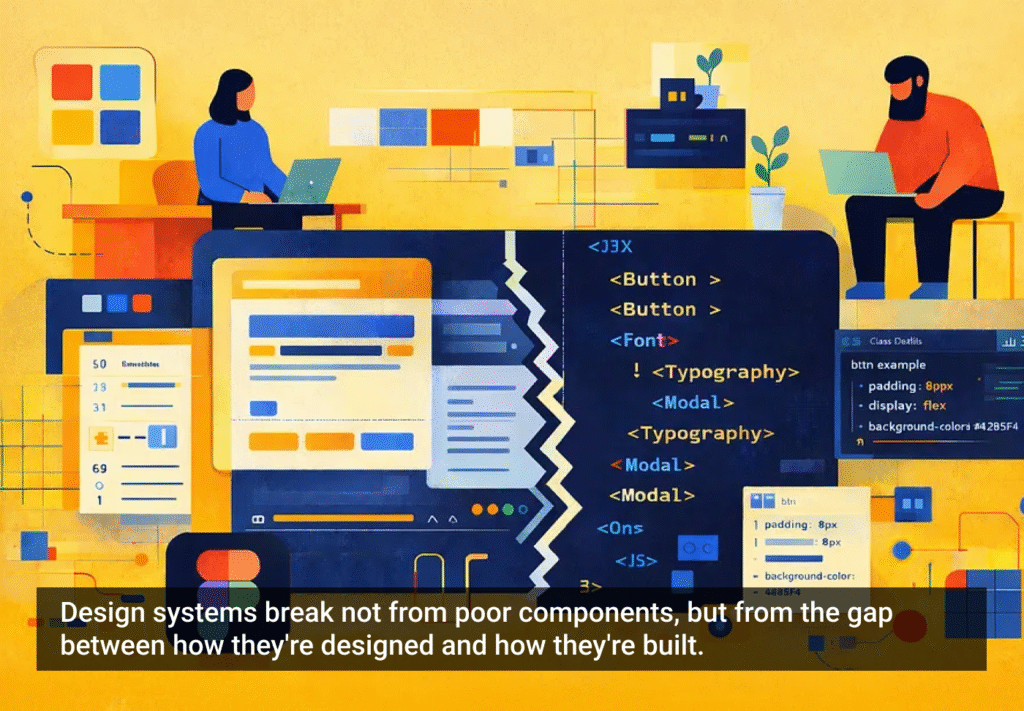
Your Design System Works in Figma. Does It Work in Code?
  • The article explains why many design systems don’t work well: designs made in Figma don’t translate well into code.
  • It introduces five practices: structure frames like code, use fewer components with more variants, organize by how both designers and developers actually work, let AI check your naming, and build documentation into your daily workflow.
  • The piece says that good design systems are the same in design and development, and when they match, everything just works.
Share:Your Design System Works in Figma. Does It Work in Code?
6 min read

Design systems were meant to streamline design and boost creativity — so why do they often do the opposite?

Article by Itai Vonshak
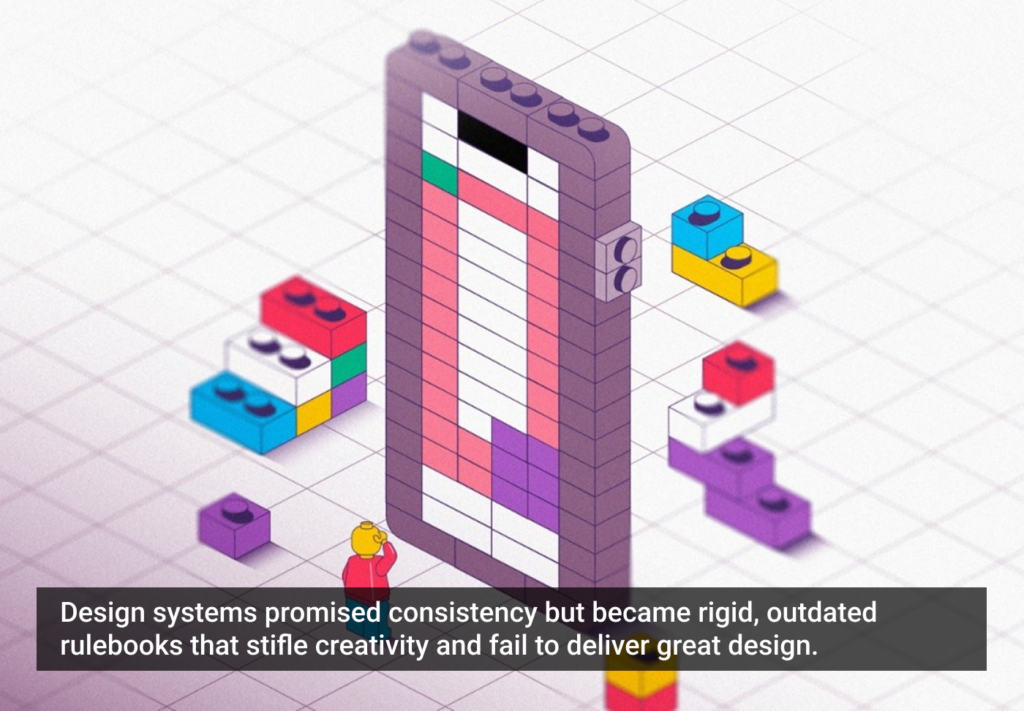
The Broken Promises of Design Systems: Why Following the Rules Won’t Get You to Great Products
  • The article questions whether design systems really help create better products.
  • It explains how they often limit creativity, are hard to maintain, and don’t scale well.
  • It suggests we need more flexible, AI-powered tools to support great design.
Share:The Broken Promises of Design Systems: Why Following the Rules Won’t Get You to Great Products
3 min read

Discover how breaking down silos and embracing cross-functional collaboration can lead to smarter, more user-centered design — and better products for everyone.

Article by Rodolpho Henrique
Beyond the Design Silo: How Collaboration Elevates UX
  • The article explores how siloed UX design practices can hinder product success and argues for cross-functional collaboration as essential to creating meaningful user experiences.
  • It outlines the benefits of working closely with product managers, engineers, and stakeholders to align user needs with technical feasibility and business goals.
  • The piece provides real-world collaboration examples across research, prototyping, design systems, and accessibility to show how teamwork leads to more innovative and effective UX outcomes.
Share:Beyond the Design Silo: How Collaboration Elevates UX
4 min read

AI is reshaping UX, and Figma may be sinking. As AI-driven systems minimize UI, traditional design roles must evolve — or risk becoming obsolete. Are you ready to adapt?

Article by Greg Nudelman
AI Is Flipping UX Upside Down: How to Keep Your UX Job, and Why Figma is a Titanic (It’s not for the Reasons You Think)
  • The article explores the fundamental shift in UX as AI-first systems minimize the role of UI, rendering traditional design tools like Figma increasingly obsolete.
  • It introduces the “Iceberg UX Model,” illustrating how modern AI-driven interfaces prioritize functionality and automation over visual design.
  • The piece argues that UX professionals must shift their focus from UI aesthetics to AI-driven user experience, emphasizing use case validation, AI model integration, and data-informed decision-making.
  • It warns that designers who remain fixated on pixel-perfect layouts risk becoming obsolete, urging them to adapt by engaging in AI-driven UX strategies.
Share:AI Is Flipping UX Upside Down: How to Keep Your UX Job, and Why Figma is a Titanic (It’s not for the Reasons You Think)
7 min read

Join the UX Magazine community!

Stay informed with exclusive content on the intersection of UX, AI agents, and agentic automation—essential reading for future-focused professionals.

Hello!

You're officially a member of the UX Magazine Community.
We're excited to have you with us!

Thank you!

To begin viewing member content, please verify your email.

Get Paid to Test AI Products

Earn an average of $100 per test by reviewing AI-first product experiences and sharing your feedback.

    Tell us about you. Enroll in the course.

      This website uses cookies to ensure you get the best experience on our website. Check our privacy policy and