Save
As AI systems evolve beyond chatbots and into intelligent agents capable of autonomous decision-making, the infrastructure powering these agents—known as agent runtime—becomes critical. While agent runtime is typically discussed in technical circles, it has profound implications for product designers, UX practitioners, and service architects.
This article offers a guide to understanding agent runtime from a design and UX perspective—what it is, why it matters, and how it reshapes the way we design user interactions, journeys, and digital ecosystems.
What is Agent Runtime (in UX terms)?
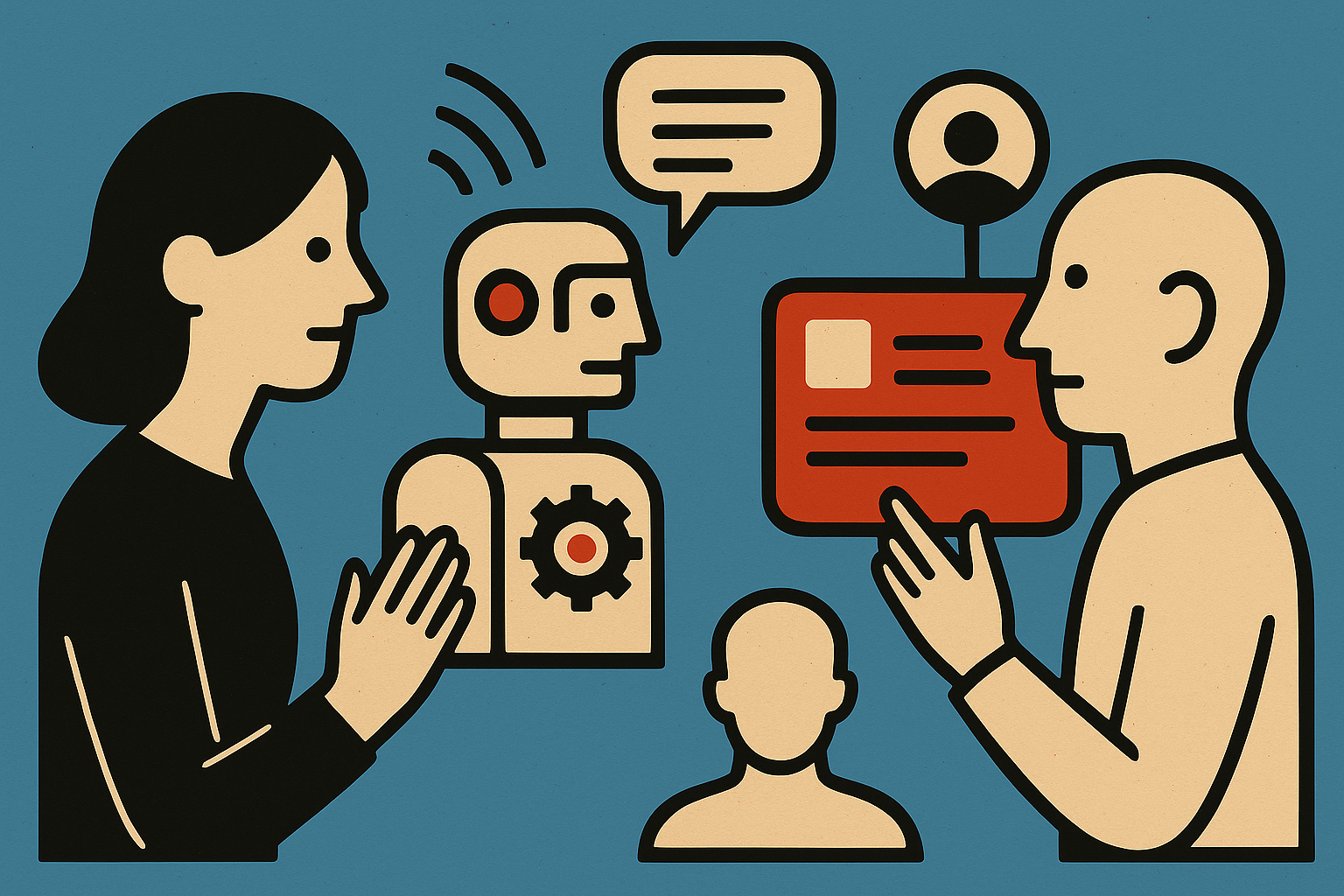
Imagine designing not just a static interface, but an intelligent actor living inside your product—a conversational teammate, a background process manager, or a proactive assistant. That agent doesn’t just respond to a single input and disappear. It remembers, adapts, learns over time, and coordinates with other systems.
The agent runtime is what makes that persistence and intelligence possible.
It’s the execution environment that:
- Maintains the agent’s memory and goals across interactions
- Enables access to external tools (APIs, databases, webhooks)
- Allows multi-agent coordination
- Handles input/output (across modalities like text, voice, UI, sensors)
- Operates continuously in the background
In UX terms, it’s the backstage infrastructure that transforms your product’s assistant from a button-press chatbot into a collaborative, contextual, goal-oriented experience.
Why UX People Should Care
Without understanding agent runtime, designers risk creating fragmented or shallow AI interactions. “There is a ceiling on how much complexity you can condense into a purely visual interface.” — Robb Wilson, Age of Invisible Machines (via UX Magazine). With it, we can create:
- Persistent, long-term conversations (no “reset” every session)
- Proactive experiences (agents that take initiative)
- Multi-modal interfaces (text + UI + API responses all in one flow)
- Seamless human-AI handoffs (with memory of context)
- Personalized journeys (agents that learn and adapt over time)
The runtime sets the rules for what an AI agent can do behind the scenes. “…the further the interface recedes into the background during an experience, the more frictionless that experience becomes…” — Robb Wilson, Age of Invisible Machines (via UX Magazine).It defines the invisible layer that shapes how intelligent, useful, and human-like the experience feels.
For UX Designers: Agents as Design Material
With an agent runtime in place, the agent becomes a first-class design object—like a screen or a button, but smarter.
You can now design:
- Agent roles: What kind of persona or function does this agent take on?
- Agent behaviors: What decisions can it make without a human?
- Memory usage: What should it remember between sessions?
- Escalation triggers: When should it loop in a human?
- Modality selection: When should it speak, show, ask, or act silently?
This is experience choreography at a new level—blending UX, service design, and cognitive modeling.
For Service Designers: New Blueprinting Tools
Agent runtime also reshapes service design. You’re no longer just mapping people, systems, and interfaces. Now you map:
- Agent lifecycles across the user journey
- System-to-agent coordination (e.g., the CRM updates an agent’s memory)
- Human-in-the-loop decision gates
- Failure states and recoveries
- Tool orchestration logic (what tools an agent uses and when)
Agent runtime enables this orchestration. It’s like designing the conductor in a service orchestra.
What Makes a Good Agent Runtime (for Designers)?
When evaluating platforms or working with devs, look for:
- Persistent context: Does the agent remember things over time?
- Modular tool access: Can it trigger workflows or use APIs?
- Observability: Can you review and tweak what it did?
- Human handoff UX: Is the baton passed smoothly?
- Declarative agent design: Can you help define what the agent should do using visual or logical tools?
Platforms like Generative Studio X (GSX) from OneReach.ai support this level of orchestration and design involvement. Others may require more hand-coding and offer less design visibility.
The Designer’s Role in Agent Runtime Environments
Designers shouldn’t just react to what engineers build with agents—they should help shape agent behavior from the start. That includes:
- Defining agent capabilities and tone
- Mapping conversations and fallback strategies
- Stress-testing memory and escalation scenarios
- Visualizing agent states and transitions
- Participating in “runtime-aware” design critiques
You’re not just designing an interface anymore. You’re co-creating intelligent collaborators.
Final Thought: UX Must Be Runtime-Aware
Just as responsive web design emerged once we understood the browser as a runtime, agentic UX will only thrive if designers understand the runtime environments powering AI agents.
Agent runtime isn’t just a backend detail. It’s the operating system for the next generation of user experiences—adaptive, autonomous, and deeply integrated. Designers who learn this new design space will help shape the future of human-AI collaboration.



UX Magazine Staff
UX Magazine was created to be a central, one-stop resource for everything related to user experience. Our primary goal is to provide a steady stream of current, informative, and credible information about UX and related fields to enhance the professional and creative lives of UX practitioners and those exploring the field. Our content is driven and created by an impressive roster of experienced professionals who work in all areas of UX and cover the field from diverse angles and perspectives.